
Introduction
Let me be honest with you — I used to be that person who checked their bank account at the end of the month and thought, “Where did all my money go?” Sound familiar? You spend, spend, spend, and then wonder why you’re broke by the 20th. That was me, and it was frustrating.
Then I started to track monthly expenses properly, and honestly? It changed everything. Not overnight, but slowly, I knew exactly where every rupee or dollar was going. And buddy, that feeling of control is something else.
In this guide, I’m going to walk you through how to track monthly expenses step by step — whether you love apps, hate spreadsheets, or want to do it the old-school way with a notebook. Let’s get into it.
Highlight key
- Learn the simplest ways to track monthly expenses starting today.
- Discover the best expense tracker app options for beginners.
- Build a monthly budget calculator habit without stress.
- Save more money with a daily expense record system.
- Practical tips for budgeting for beginners with no finance background
Why Tracking Monthly Expenses Actually Matters
Okay, so why should you even bother? Can’t you just “be careful” with money?
Here’s the truth — being careful without data is just guessing. When you track monthly expenses, you stop guessing and start making real decisions. You see patterns. You notice that you’re spending $200 a month on coffee or subscriptions you forgot about.
In my experience, most people who feel “broke” aren’t earning too little — they just don’t know where their money is going. A personal expense tracker fixes that. It shows you the full picture, and once you see it, you can’t unsee it.
Tracking also helps you:
- Spot unnecessary spending fast.
- Set realistic savings goals.
- Prepare for big expenses in advance.
- Reduce financial stress month by month.
- Build better money habits over time.
Now let’s talk about how you actually do it.
How to Track Monthly Expenses Effectively: Step-by-Step
Step 1: List All Your Income Sources First
Before you track a single expense, know how much money is coming in. Write down your salary, freelance income, side hustle money — everything. This is the foundation of any budget plan.
If you think like I do, you probably only think of your main salary. But add it all up. Even that $50 tutoring gig counts.
Step 2: Categorize Your Expenses
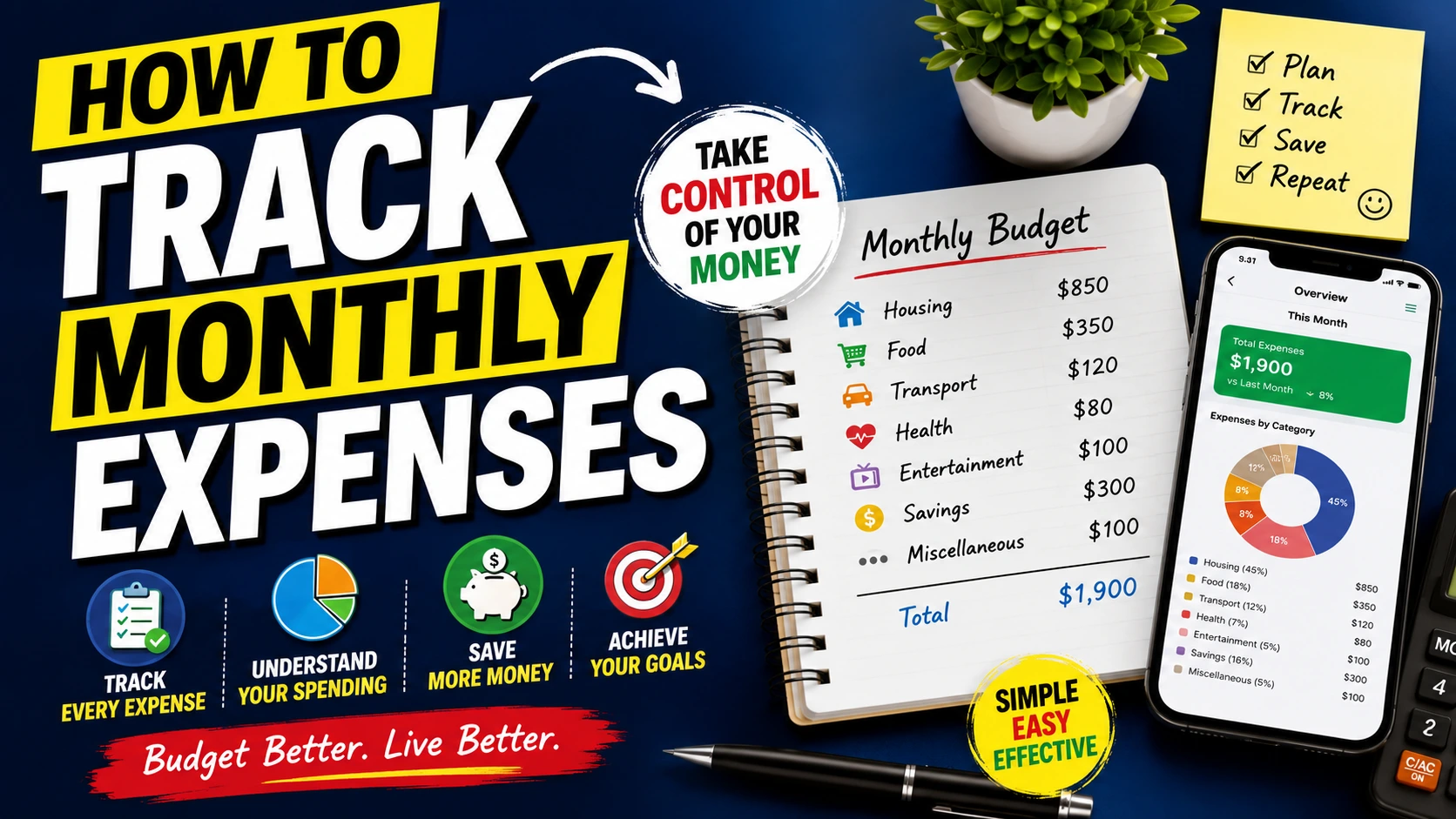
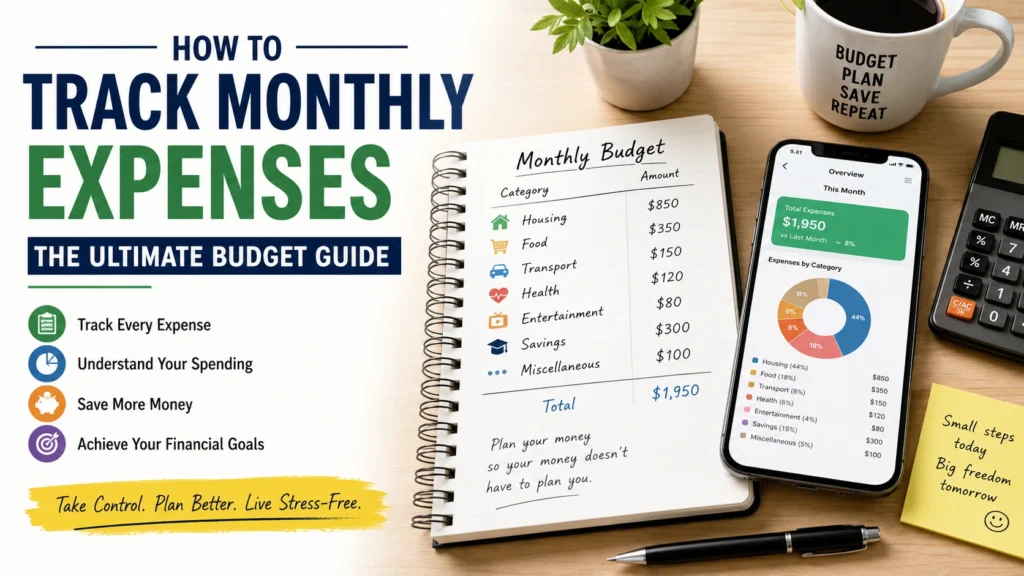
Now, divide your spending into clear groups. Common categories include:
- Housing (rent, electricity, water)
- Food (groceries, eating out, coffee)
- Transport (fuel, bus, Uber)
- Health (medicines, gym, doctor visits)
- Entertainment (Netflix, movies, games)
- Savings and Investments
- Miscellaneous (random stuff that doesn’t fit anywhere)
This step is key. When you track monthly expenses with categories, you see exactly which area is eating your budget alive.
Step 3: Choose Your Tracking Method
Here’s where people get stuck. There’s no single “right” way. Pick what works for YOU.
Option A: Use an Expense Tracker App
Apps are fast, automatic, and easy. Many of them connect to your bank and do the tracking for you. Some top picks:
- Mint — Free, beginner-friendly, great for budgeting for beginners
- YNAB (You Need A Budget) — More detailed, has a small fee, but is very powerful
- Walnut or Money Manager — Great for users in India or Asia
- Google Sheets — If you like to stay simple and free
The best expense tracker app for you depends on your phone, your country, and whether you want automatic sync or manual entry.
Option B: Use a Monthly Budget Calculator Spreadsheet
If you’re not into apps, a simple Google Sheet or Excel file works great. Make columns for: Date, Category, Amount, Notes. Fill it in daily or weekly.
I personally used a Google Sheet for almost a year before switching to an app. It worked fine — and I actually understood my money better because I was entering things manually.
Option C: The Notebook Method
Yes, old school. A small notebook in your pocket or bag. Write down every purchase. It sounds tedious, but for some people, the physical act of writing makes them more aware. This is actually one of the best ways to track monthly expenses and save money if you’re just starting out.
How to Create a Monthly Expense Tracking Sheet
If you want to make your own tracking sheet, here’s a simple layout:
| Date | Category | Description | Amount |
|---|---|---|---|
|
June 1 |
Food |
Grocery shopping |
$85 |
|
June 2 |
Transport |
Uber to work |
$12 |
|
June 3 |
Entertainment |
Netflix subscription |
$15 |
At the end of the week, total each category. At the end of the month, compare totals to your income. Simple as that.
You can also add a “Budget Limit” column to see when you’re approaching your limit in any category. This turns your sheet into a full monthly budget calculator.
Simple Monthly Expense Tracking Method for Beginners
Tell me the truth — are you feeling overwhelmed right now? Don’t be. Here’s the simplest method if you’re new to all this:
- At the end of each day, spend 3 minutes writing down what you spent.
- Use just 4–5 categories to start (Food, Bills, Transport, Fun, Savings)
- At the end of the month, add it up.
- Compare to what you earned.
- Find one thing you can cut or reduce next month.
That’s it. Budgeting for beginners doesn’t need to be complicated. You don’t need fancy apps or big spreadsheets. Just start. The habit matters more than the method.
How to Monitor Monthly Expenses Without Budgeting Apps
Not everyone wants to use technology for this — and that’s totally fine. Here’s how to monitor monthly expenses without budgeting apps:
The Envelope Method: Withdraw your monthly cash. Split it into envelopes by category. Groceries envelope, transport envelope, fun envelope. When an envelope is empty, you’re done spending in that category. Simple and very effective.
The Bank Statement Review: Every Sunday, pull up your bank statement and review the week’s spending. No app needed. Just look, categorize mentally, and note anything that surprised you.
The Weekly Budget Check: Set a weekly spending limit and track manually with pen and paper. Weekly is easier than daily for many people.
These methods work well. The key is consistency, not technology.
Best Ways to Track Monthly Expenses and Save Money
Now here’s the fun part. Tracking alone won’t save you money. But once you have the data, use it like this:
Find the Leaks First
Look at your categories. Is entertainment higher than expected? Are you spending $300 on food, but only $100 is groceries and $200 is restaurants? Those are your leaks. Plug them.
Set a Savings Goal Before Spending
Pay yourself first. When your salary comes in, move a set amount to savings right away. Whatever is left is your spending money. This method is called “Pay Yourself First,” and it works brilliantly.
Use the 50/30/20 Rule.
A classic budgeting framework:
- 50% of income goes to Needs (rent, food, bills)
- 30% goes to Wants (fun, dining out, hobbies)
- 20% goes to Savings and debt repayment
When you track monthly expenses, you can check if you’re following this ratio or not.
Automate Where Possible
Set up automatic transfers to a savings account. Automate bill payments. The less you have to “decide” each month, the better your habits get.
Common Mistakes People Make When Tracking Expenses
I’ve made these myself, so learn from me:
Mistake 1: Tracking for a week and then stopping. The habit has to be monthly, not occasional. Set a reminder on your phone.
Mistake 2: Too many categories. If you have 20 categories, it gets confusing. Start with 5–6 max.
Mistake 3: Forgetting small expenses. That Rs. 50 chai or $3 coffee adds up. Track everything, even if it feels small.
Mistake 4: Not reviewing at the month’s end. Tracking without reviewing is useless. The review is where the magic happens — you see patterns and make changes.
Mistake 5: Being too hard on yourself. If you overspend one month, don’t quit. Just adjust next month. Progress, not perfection.
Tools That Make It Easier to Track Monthly Expenses
Here’s a quick breakdown of tools worth trying:
- Mint App — Best free expense tracker app for overall use
- YNAB — Best for serious budgeters who want full control
- Google Sheets — Best free option with full customization
- Spendee — Beautiful interface, good for visual people
- Money Lover — Great for tracking daily expense records
- Notion — If you’re already using it for productivity, add a budget template
Try one for 30 days before deciding it’s “not for you.” Most people give up too early.
My Personal Experience: What Finally Worked for Me
I tried apps, failed. Tried spreadsheets, forgot to update. Then I did something simple — every evening after dinner, I opened Google Sheets on my phone and added the day’s expenses. Just 2 minutes. No fancy setup.
After 30 days, I saw I was spending nearly 40% of my income on food and entertainment. I didn’t stop eating out completely, but I cut it by half. In three months, I had saved more than I had in the previous year. That’s the power of a daily expense record.
Final Thoughts: Start Today, Not Monday
The best time to start tracking your expenses was last month. The second-best time is today. Don’t wait for the new month, a new year, or a “better” time. Open a notebook, download an app, or start a spreadsheet right now.
When you track monthly expenses consistently, you’re not just managing money — you’re taking control of your future. And buddy, that’s worth every 3 minutes of daily tracking.
Start small. Stay consistent. Watch your savings grow.
FAQ's
Q1. What is the easiest way to track monthly expenses for beginners?
The easiest way is to write down every expense daily in a notebook or use a simple app like Mint. Just five minutes a day builds a powerful habit quickly.
Q2. Which is the best expense tracker app to use in 2025?
Mint is great for free use, while YNAB is best for detailed budgeting. For beginners, Google Sheets or Money Manager apps work perfectly without any cost.
Q3. How do I create a monthly expense tracking sheet at home?
Make columns for Date, Category, Description, and Amount in Excel or Google Sheets. Add a Budget Limit column and update it daily for best results.
Q4. Can I track monthly expenses without using any app?
Yes, absolutely. Use the envelope method, review your bank statement weekly, or simply maintain a daily expense record in a small notebook. No app needed.
Q5. How does tracking expenses help in saving money?
Tracking shows you exactly where your money goes. Once you spot unnecessary spending patterns, cutting back becomes easy, and your savings naturally grow each month.
Q6. How many expense categories should a beginner use?
Start with just five to six categories like Food, Bills, Transport, Entertainment, and Savings. Too many categories cause confusion and make tracking harder to maintain consistently.