
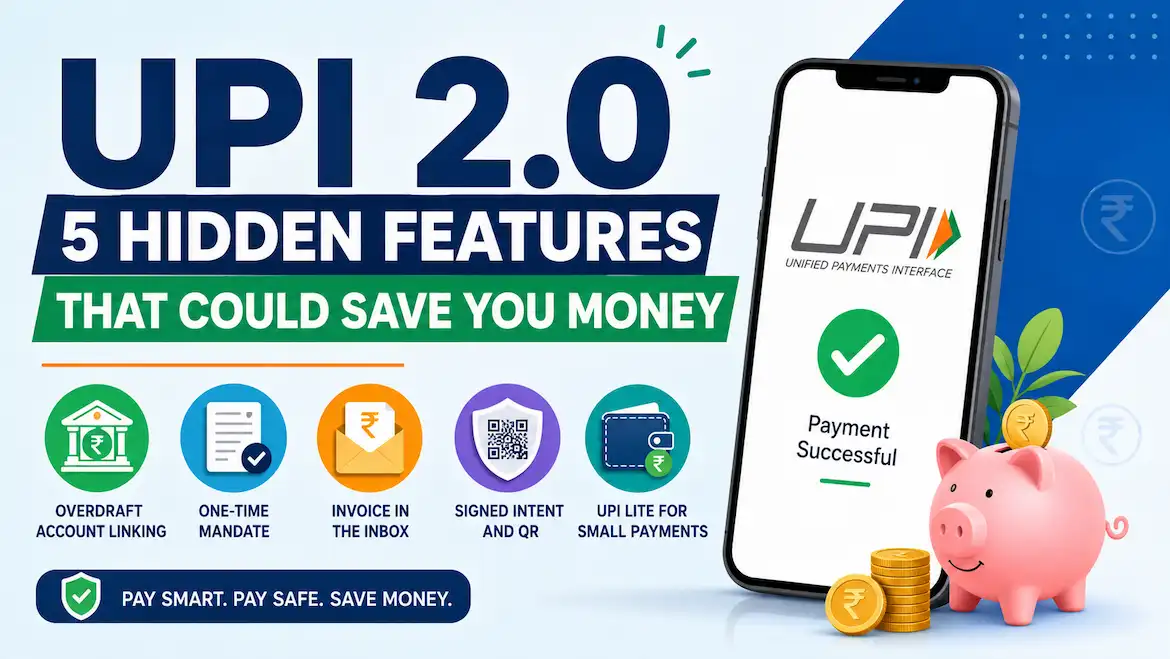
Most of us use UPI only to scan and pay. But the UPI 2.0 features that came with the upgraded system have a few useful tools that many people never notice. These tools won’t give you cashback, but they can help you avoid fraud, wrong payments and unnecessary stress, and that protects your money.
In this guide, we’ll look at 5 useful features, how each one works, and where it falls short. Let’s start with the basics.
In This Article
ToggleHighlight key
- NPCI launched UPI 2.0 on August 16, 2018.
- UPI 2.0 introduced five additional features, including overdraft linking, one-time mandates, invoice attachments, signed intent and QR, and foreign inward remittance.
- UPI Lite was introduced later and is not part of the original UPI 2.0 launch.
- Availability depends on your bank and UPI app.
- These features help you pay more safely and carefully. They do not guarantee savings.
What Is UPI 2.0?
UPI (Unified Payments Interface) lets you send money from one bank account to another using your phone. UPI 2.0 is the upgraded version of UPI that NPCI, the organisation that operates UPI, launched on August 16, 2018.
It introduced five additional features: overdraft account linking, one-time mandates with block functionality, attachments in the inbox, signed intent and QR, and foreign inward remittance.
You can read the official NPCI UPI 2.0 circular for details.
1. Overdraft Account Linking
Before UPI 2.0, users mainly linked savings and current accounts. UPI 2.0 also introduced the option to link an overdraft (OD) account, provided the bank supports it.
An overdraft is a facility where your bank lets you spend more than your available balance, up to an approved limit. You generally pay interest on the amount you use.
How it can save money: If you already have an OD account, you can pay through UPI without moving money around first. This may help you avoid taking a small, expensive loan in a hurry.
The downside: An overdraft is still borrowed money. Interest and other charges may apply, and rates vary by bank. Check your bank’s terms before using it.
2. One-Time Mandate
A one-time mandate lets you pre-authorise a payment. The specified amount is blocked in your bank account and debited later when the authorised transaction is completed.
For example, you may use this facility for an eligible online purchase or another supported transaction where payment is collected later.
How it can save money: You can authorise a payment in advance without immediately transferring the money. This provides more control over when the payment is collected.
The downside: Your money remains blocked for some time. Also, not every app, bank, or merchant supports this option.
3. Invoice in the Inbox
UPI 2.0 introduced an attachment facility in the inbox. With this feature, a merchant can send an invoice or other supporting attachment along with a payment request. You can check the details before authorising the payment.
Example: A shop sends a ₹1,850 bill with the item details. You check it and notice a wrong item. You can stop and ask for a correction before making the payment.
How it can save money: You can catch billing mistakes before payment, not after. Getting money back after an incorrect payment can be more difficult.
The downside: It works only when the merchant’s system and your UPI app support this feature.
4. Signed Intent and QR
This feature helps users check the authenticity of a merchant when they scan a QR code or use an intent-based payment.
A signed QR provides additional security by helping the UPI app identify whether the payment information comes from a trusted and verified merchant.
Scams are a common way people lose money through UPI. For example, a fraudster may stick a fake QR code over a shop’s original QR code. Merchant verification can help users identify suspicious payment information.
How it can save money: It adds another layer of protection against fake or tampered QR codes and helps users make more informed payment decisions.
The downside: This feature does not guarantee that every fraudulent QR code will be detected. You should still check the receiver’s name and payment details before approving a transaction.
5. UPI Lite for Small Payments (A Later Addition)
UPI Lite is not part of the original UPI 2.0 launch, but it is worth knowing about.
It is an on-device payment facility funded from your linked bank account. You can make eligible small payments without entering your UPI PIN for every transaction.
According to the RBI’s December 4, 2024 circular, the updated limits are:
- Per-transaction limit: ₹1,000
- Maximum wallet balance: ₹5,000
Limits and availability may change, so check your UPI app for the latest details.
You can read the official RBI circular on UPI Lite limits.
How it can save money: Small payments become faster, and you don’t have to enter your UPI PIN repeatedly. This also reduces the chances of someone observing your PIN during every small transaction.
The downside: UPI Lite funds remain stored in the on-device wallet. If you lose your phone, take immediate steps to block your SIM and secure your UPI access. Contact your bank and UPI app provider for assistance.
An Additional UPI 2.0 Feature: Foreign Inward Remittance
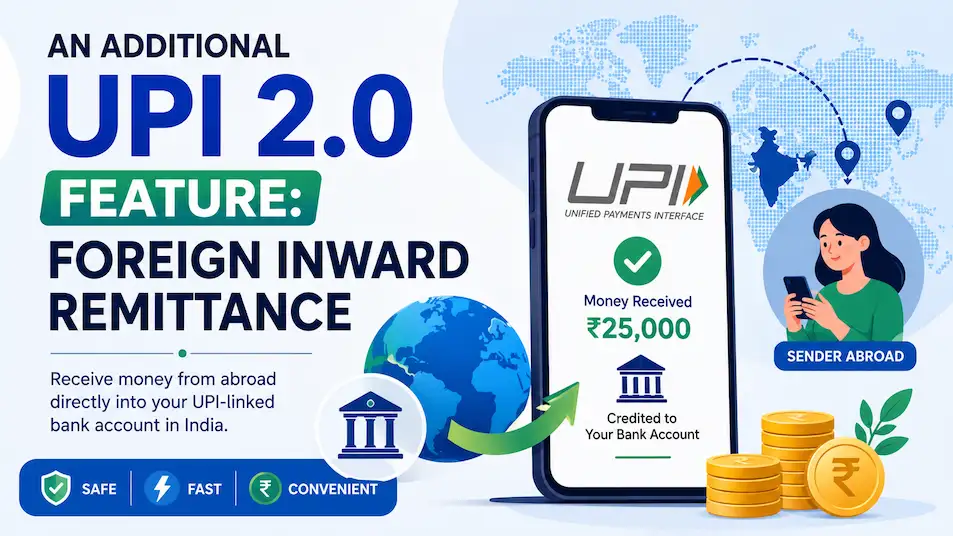
Apart from the four features explained above, UPI 2.0 also introduced Foreign Inward Remittance.
This feature allows eligible users in India to receive money from abroad directly into their UPI-linked bank accounts through supported banks and payment channels.
For example, a family member living abroad may send money to an eligible UPI-linked account in India.
However, availability depends on the participating banks, countries, and supported UPI applications.
You can check the NPCI Foreign Inward Remittance details.
Advantages and Disadvantages of UPI 2.0 Features
Advantages
- Better checking before payment.
- Added protection through signed QR verification.
- Flexible options like overdraft linking.
- Convenient payment authorisation through one-time mandates.
- Easier access to supporting invoices and payment details.
Disadvantages
- Not every bank or app supports every feature.
- Overdraft use costs interest and may involve additional charges.
- Some features require merchant support.
- Features need your attention to be useful.
- UPI Lite has separate transaction and wallet limits.
Common Mistakes to Avoid
Let’s look at some mistakes that can cost you money:
- Sharing your UPI PIN with anyone: You only need it to authorise payments from your account. Never disclose it to anyone, even if they pretend to represent your bank.
- Approving an unknown collect request: Never approve a payment request you don’t recognise.
- Paying without checking the receiver’s name: Always verify the receiver’s name and payment details before entering your UPI PIN.
- Keeping a large balance in UPI Lite: Keep only the amount you need for small daily payments.
- Using overdraft for everyday spending: Remember that overdraft is borrowed money and interest may apply.
For more information, read the official NPCI UPI safety FAQs.
Conclusion
The UPI 2.0 features do not directly “save” money like a discount coupon. Their real value is in helping you pay carefully and avoid losses. Check invoices, watch for QR verification information, use mandates for supported transactions, and be careful with overdraft.
UPI Lite is another useful addition for small everyday payments, although it came later than UPI 2.0.
If you build these habits, UPI can be both easy and safe.
Disclaimer: This article is for general information only and is not financial advice. Rules, limits, and charges may change, so please check your bank or the official NPCI and RBI websites for current details.
FAQ's
What is UPI 2.0?
UPI 2.0 is an enhanced edition of UPI, introduced by NPCI on August 16, 2018. It introduced features such as overdraft linking, one-time mandates, attachments in the inbox, signed intent and QR, and foreign inward remittance.
Is UPI 2.0 free to use?
Most ordinary bank-account UPI payments are free for individual customers. However, your bank may charge interest on an overdraft, and charges can depend on the type of transaction. Always check your bank’s current terms.
Can I link an overdraft account to UPI?
Yes, UPI 2.0 allows overdraft account linking, but only if your bank supports this facility. Remember that interest may apply to the amount you use.
How does a one-time mandate work?
You approve a payment in advance, and the specified amount is blocked in your account. The merchant can collect it later when the authorised transaction is completed. Availability depends on your bank, app and merchant.
How can I use UPI safely?
Never share your UPI PIN, check the receiver’s name before paying, avoid unknown collect requests, and scan QR codes carefully. Also, report suspicious transactions to your bank as soon as possible.

My name is Subodh Kumar, and I am a finance blogger at Financemantraa.com with a strong interest in personal finance, investing, and financial research spanning 4–5 years.
I enjoy researching financial topics and explaining complex money concepts in simple, easy-to-understand language. My areas of interest include stock market basics, IPOs, mutual funds, financial planning, insurance, saving strategies, and wealth building.
Through Financemantraa.com, I aim to help readers improve their financial knowledge, understand investment concepts, and make informed financial decisions. I focus on creating practical, beginner-friendly guides that make personal finance easier to understand and apply in everyday life.
I believe that financial education and smart money habits can help people work toward long-term financial stability. My goal is to make reliable, accessible, and informative financial content available to everyone.
Disclaimer: The information published on Financemantraa.com is for educational and informational purposes only. It should not be considered professional financial or investment advice.