
Friends, tell me the truth: how many times have you stood in a long bank line for hours just to check your balance or send money to someone? I’ve done this many times too, and honestly, it always felt like such a waste of time. That’s exactly why this Internet Banking Guide 2026 is going to save you a lot of trouble. In this guide, I’ll explain everything about internet banking in simple words, no complicated English, just clear and straightforward, like I’m sitting with you and explaining it over tea.
By the end of this Internet Banking Guide 2026, you’ll know how internet banking works, how you can register for it, how to keep it secure, and which mistakes to avoid. So let’s get started, friend.
In This Article
ToggleHighlight key
- Internet banking lets you manage your bank account online, anytime, anywhere.
- New RBI rules from 2026 make digital banking safer with stronger login checks.
- You need your account number, registered mobile, and a few bank details to activate it.
- Two-factor authentication is now compulsory for almost all digital payments.
- Banks now need your clear consent before turning on or off any digital service.
- Small internet banking mistakes can lead to big money loss, so safety habits matter.
- Internet banking and mobile banking are different, and I will explain how
What Is Internet Banking and How Does It Work
Internet banking, also called net banking or online banking, is a simple service that lets you handle your bank work through your bank’s website, using your computer or phone browser. You do not need to visit the branch for small things like checking your balance, sending money, or downloading a statement.
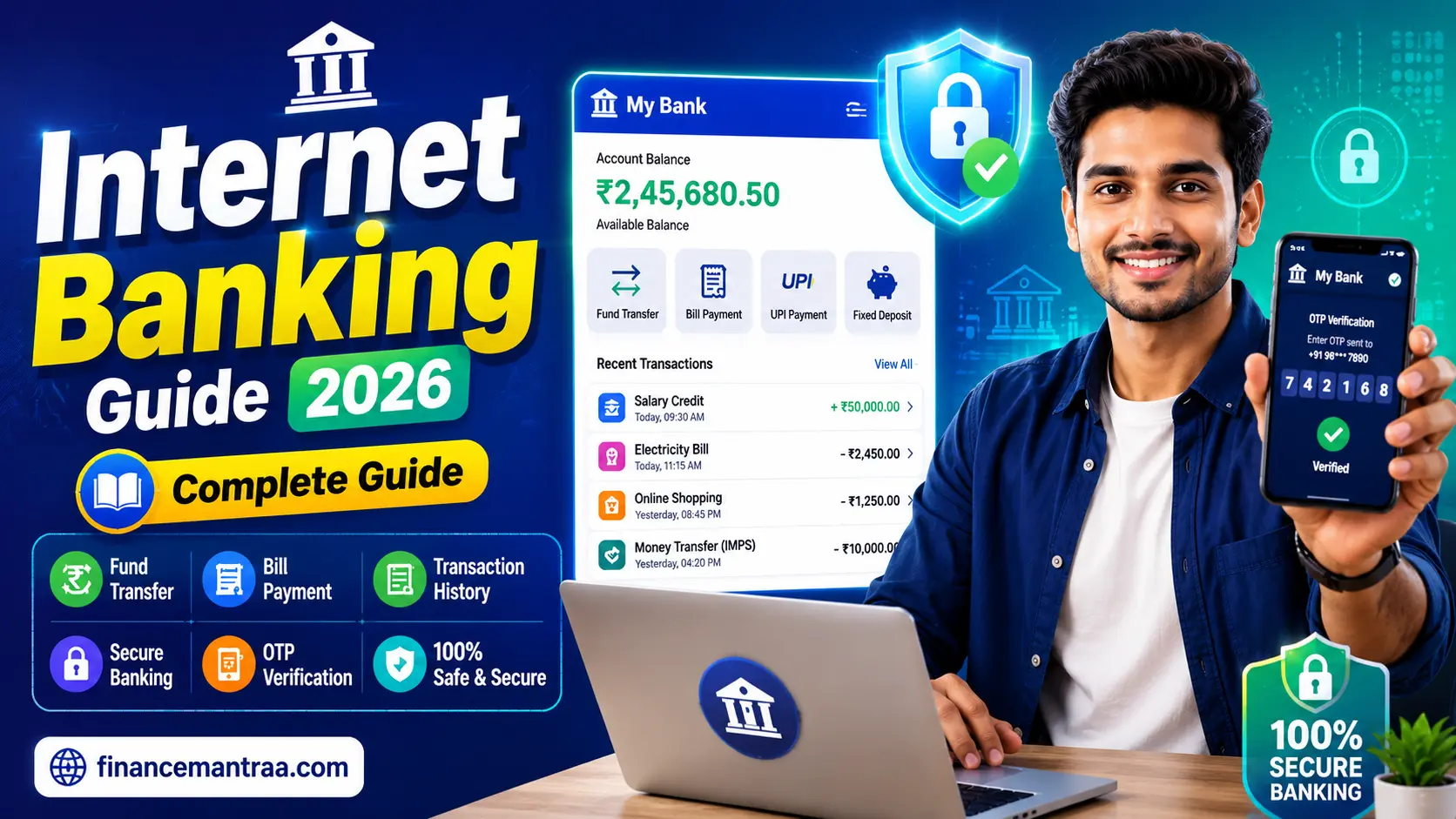
In my experience, internet banking works like a digital version of your passbook and cheque book combined. Once you log in to the phone with your user ID and password, you see a dashboard on the phone that shows your account balance, past transaction history, and options like fund transfer, bill payment, and fixed deposit booking.
- You open your bank’s official website.
- You enter your login ID and password.
- The system sends an OTP or asks for another security check.
- Once verified, you land on your account dashboard.
From there, you can transfer money, pay bills, or check details.
This Internet Banking Guide 2026 exists because banking in India has changed a lot this year. From January 2026, the RBI brought new rules for digital banking channels, and banks must now get your clear permission before activating internet or mobile banking on your account. So the process feels more transparent than before, which is a good change.
What Is Internet Banking and How Does It Work
Internet banking, also called net banking or online banking, is a simple service that lets you handle your bank work through your bank’s website, using your computer or phone browser. You do not need to visit the branch for small things like checking your balance, sending money, or downloading a statement.
In my experience, internet banking works like a digital version of your passbook and cheque book combined. Once you log in to the phone with your user ID and password, you see a dashboard on the phone that shows your account balance, past transaction history, and options like fund transfer, bill payment, and fixed deposit booking.
- You open your bank’s official website.
- You enter your login ID and password.
- The system sends an OTP or asks for another security check.
- Once verified, you land on your account dashboard.
From there, you can transfer money, pay bills, or check details.
This Internet Banking Guide 2026 exists because banking in India has changed a lot this year. From January 2026, the RBI brought new rules for digital banking channels, and banks must now get your clear permission before activating internet or mobile banking on your account. So the process feels more transparent than before, which is a good change.
Internet Banking vs Mobile Banking Difference
Friends, many people think internet banking and mobile banking are the same thing, but they are not. Let’s clear this doubt.
Internet banking is usually accessed through a browser on your laptop or phone, using the bank’s website. Mobile banking, on the other hand, works through a dedicated app that you download from the app store.
Tell me the truth: which one do you use more? Most young users prefer the app because it is quick and has a simple design. But internet banking through a browser is still useful for big tasks like downloading long statements, applying for loans, or doing bulk payments, since a bigger screen makes it easier.
One good update in 2026 is that banks can no longer force you to download their mobile app just to get a basic account or debit card. If you are more comfortable with plain internet banking or even branch and ATM only, you can insist on that. This is a genuine win for people who don’t fully trust apps or have limited data.
How to Register for Internet Banking
Getting started with internet banking is not as hard as people think. If you think as I do, you will agree that most people avoid it simply because they never tried it once.
Here is the simple process most banks in India follow:
- Visit your bank’s website or nearest branch.
- Choose the “register for internet banking” option.
- Enter your account number, registered mobile number, and date of birth.
- You will get an OTP on your mobile for verification.
- Set your own user ID and a strong password.
- Some banks may ask you to visit the branch once for extra verification.
Internet Banking Login Process Explained
The login process has become a bit more careful in 2026, and honestly, that is a good thing. Earlier, many banks allowed login with just a password. Now, due to new RBI rules on authentication, most banks apply a two-step check.
Here is what usually happens during internet banking login:
- Step one: enter your user ID and password.
- Step two: confirm with an OTP, app notification, or biometric check.
Internet Banking Features You Should Know
Now let’s talk about what you can actually do once you are logged in. Friends, this is where internet banking truly saves your time.
Common features include:
- Checking account balance and mini statement
- Fund transfer through NEFT, RTGS, or IMPS
- Paying electricity, mobile, and other bills
- Opening fixed deposits or recurring deposits
- Applying for a new debit card or chequebook
- Updating your address or nominee details
- Downloading account statements for tax or loan purposes
How to Transfer Money Using Internet Banking
Sending money online through internet banking is simple once you understand the steps.
Here is a straightforward guide:
- Log in to your internet banking account.
- Go to the “fund transfer” section.
- Add the receiver as a new beneficiary using their account number and IFSC code.
- Wait for the beneficiary activation time, usually a few hours.
- Choose NEFT for normal transfer, RTGS for large amounts, or IMPS for instant transfer.
- Enter the amount and confirm with OTP.
How to Pay Bills Through Internet Banking
Internet Banking Benefits for Everyday Users
Let’s be honest, buddy, why should anyone bother with internet banking?
Here are the real benefits:
- Saves time since you avoid branch visits for small tasks
- Available 24×7, even on holidays
- Easy to track your spending through transaction history
- Useful for paying bills, EMIs, and taxes without delay
- Helps in quick money transfer during emergencies
How to Activate Internet Banking for a New Account
If you have just opened a new bank account, activating internet banking is usually part of the account opening process itself. Many banks now offer instant activation with a simple OTP verification if your mobile number and Aadhaar are linked properly.
If it was not activated at account opening, you can visit the branch with your passbook and ID proof, or use the “register now” option on the bank’s website, following the same steps mentioned earlier in this guide.
Best Internet Banking Security Tips
This section is close to my heart because I have seen friends lose money due to small carelessness. So let’s talk about safety seriously.
Best practices for secure internet banking in 2026:
- Never share your password or OTP with anyone, not even someone claiming to be from the bank.
- Always type your bank’s website address manually; don’t click links from SMS or email.
- Use a strong password with letters, numbers, and symbols, and change it every few months.
- After finishing work on a shared or public computer, don’t leave your account open; always log out.
- Turn on transaction alerts so you know instantly if something unusual happens.
- Avoid using public WiFi for banking work.
- Keep your antivirus and phone software updated.
Under the new RBI rules being rolled out through 2026, banks are also required to maintain secure systems and send timely alerts. If a fraud happens purely because the bank failed on these fronts, the responsibility shifts more toward the bank.
But if you shared your OTP or password yourself, that counts as customer negligence, and you may not get full compensation. So friends, the safety habit really is in your hands too.
Is Internet Banking Safe for Online Transactions
Yes, internet banking is generally safe if you follow basic precautions. Indian banks now use encryption, OTP verification, and device-based checks to protect your account. With two-factor authentication now compulsory, the risk of someone easily hacking into your account has reduced quite a lot compared to earlier years.
That said, no system is 100 percent risk-free. Scammers keep finding new tricks, so your own alertness matters as much as the bank’s security system.
Common Internet Banking Mistakes to Avoid
Tell me the truth: have you ever clicked a link in a message saying “your account will be blocked, click here”? Many people fall for this.
Here are common mistakes to avoid:
- Clicking unknown links claiming to be from your bank
- Saving passwords on shared or public computers
- Ignoring small suspicious transaction alerts
- Using weak or repeated passwords across multiple accounts
- Not updating your registered mobile number after changing it.
How to Reset Internet Banking Password
Final Thoughts
Hey friends, this was my complete Internet Banking guide for 2026. Internet banking is really one of the best tools we have nowadays to manage money, and it makes your work super easy without wasting any time.
With the new RBI rules about consent, authentication, and fraud protection, the system in 2026 feels more secure and user-friendly than ever. If you’re like me, careful by nature, keeping your money safe is easy with just a bit of care with passwords and OTPs. If you haven’t started using internet banking yet, now’s the perfect time to start—it can really give your life a whole new direction!
FAQ's
Q1. What is internet banking and how does it work?
Q2. Is internet banking safe for online transactions in 2026?
Q3. What is the difference between internet banking and mobile banking?
Q4. How can I register for internet banking as a beginner?
Q5. How do I transfer money using internet banking safely?
Q6. What should I do if I forget my internet banking password?

My name is Subodh Kumar, and I am a finance blogger at Financemantraa.com with a strong interest in personal finance, investing, and financial research spanning 4–5 years.
I enjoy researching financial topics and explaining complex money concepts in simple, easy-to-understand language. My areas of interest include stock market basics, IPOs, mutual funds, financial planning, insurance, saving strategies, and wealth building.
Through Financemantraa.com, I aim to help readers improve their financial knowledge, understand investment concepts, and make informed financial decisions. I focus on creating practical, beginner-friendly guides that make personal finance easier to understand and apply in everyday life.
I believe that financial education and smart money habits can help people work toward long-term financial stability. My goal is to make reliable, accessible, and informative financial content available to everyone.
Disclaimer: The information published on Financemantraa.com is for educational and informational purposes only. It should not be considered professional financial or investment advice.